Your energy chart
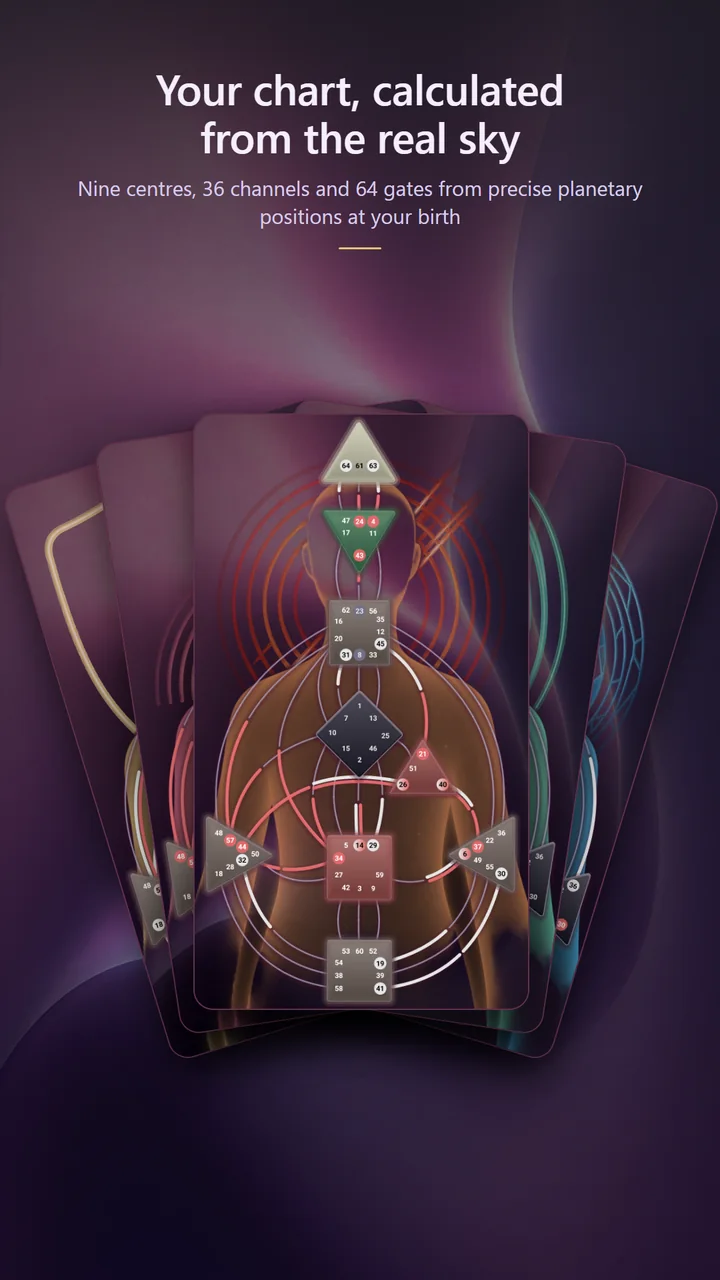
Nine centres, thirty-six channels and sixty-four gates, with your defined and open areas laid out clearly. Tap anything to read what it means in your chart specifically.
Lucezora builds your Human Design energy chart from astronomical ephemerides — not lookup tables. Explore your type, centres, channels and gates, then go deeper with analyses written for your specific chart.
Coming soon
The app is not in the stores yet. When it is, this button will take you straight there.
Everything is derived from one thing: the exact position of the planets at the moment you were born.
Nine centres, thirty-six channels and sixty-four gates, with your defined and open areas laid out clearly. Tap anything to read what it means in your chart specifically.
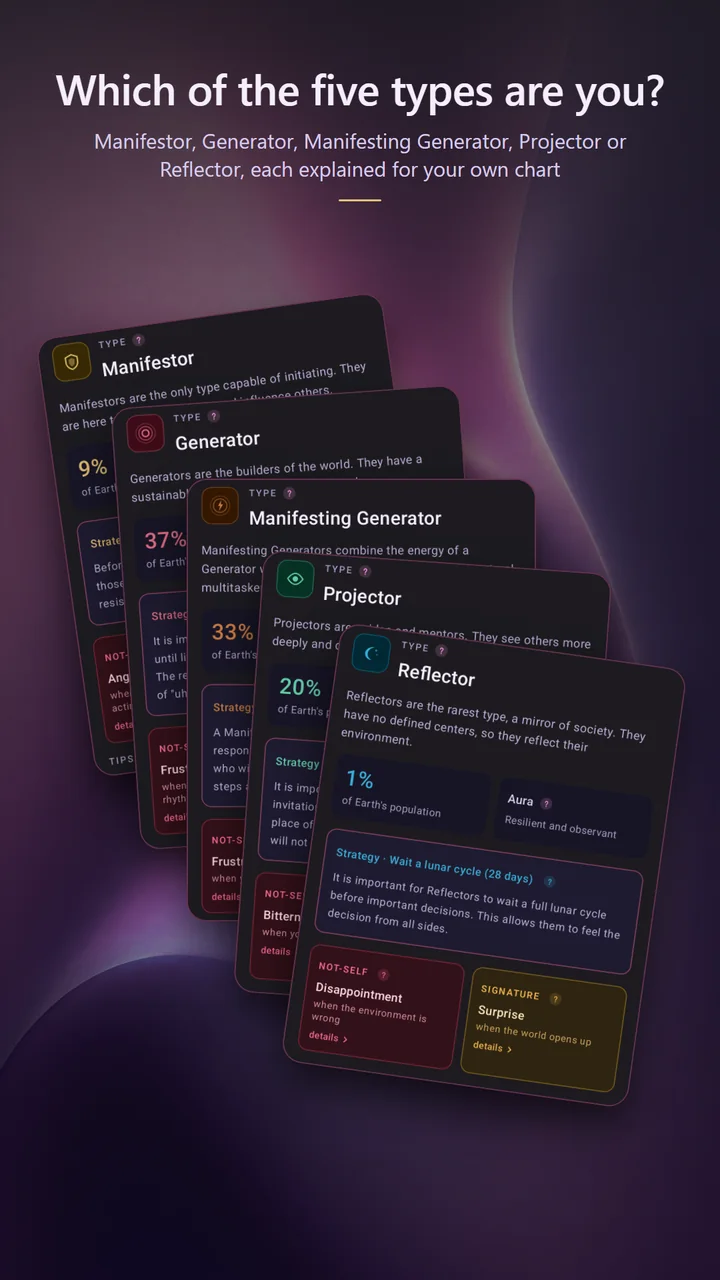
Your type, inner authority, profile, definition and incarnation cross — with the reasoning behind each, so you can see how the chart produces them.
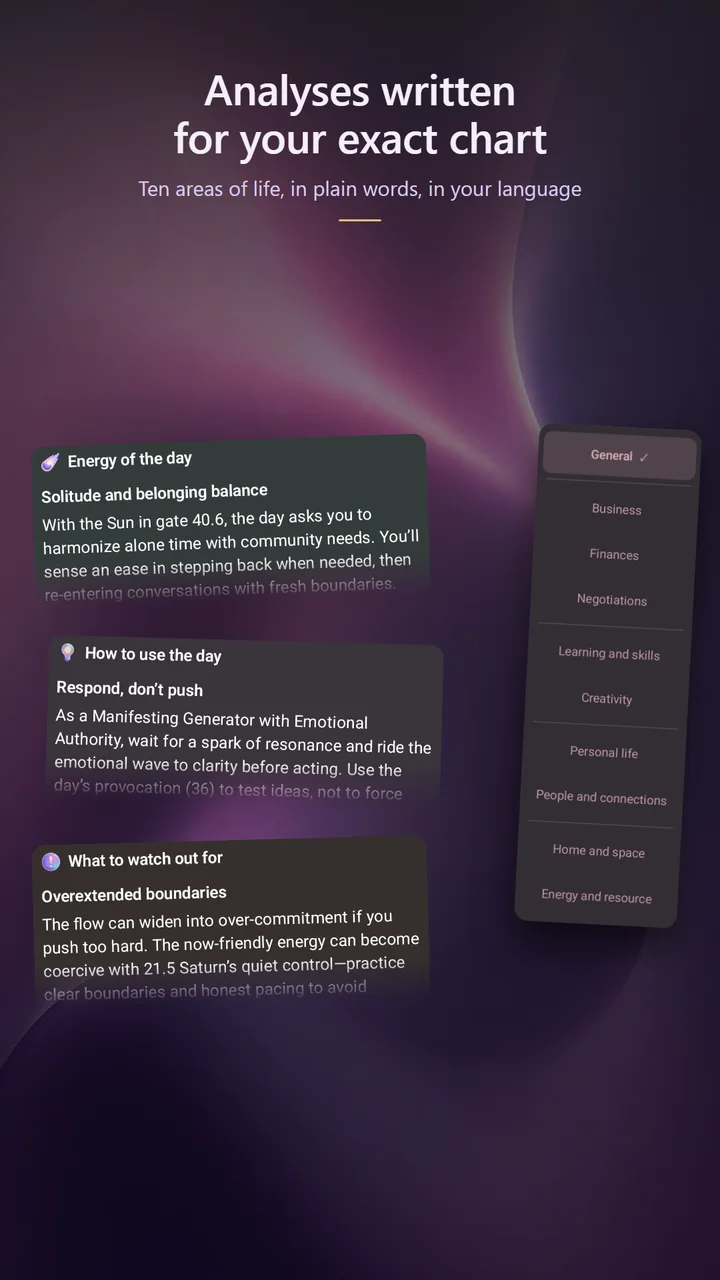
Analyses generated for your exact configuration rather than generic descriptions of your type. Written in your language, in plain words.
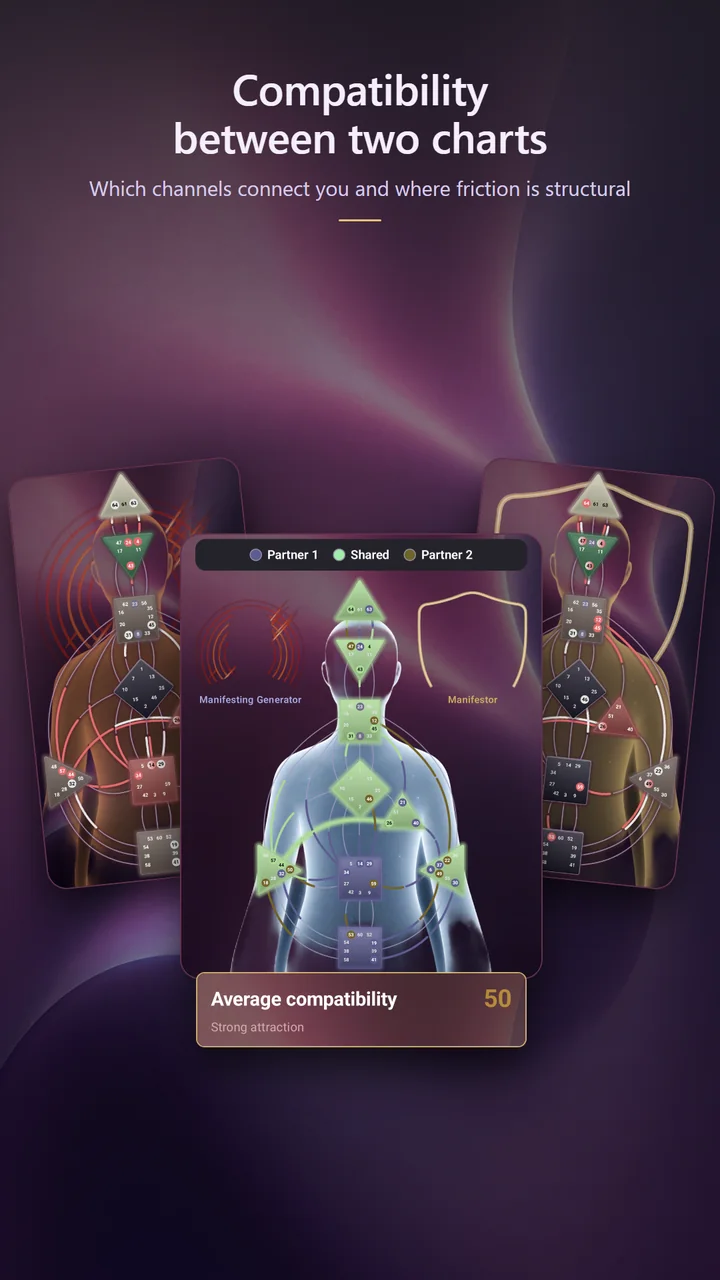
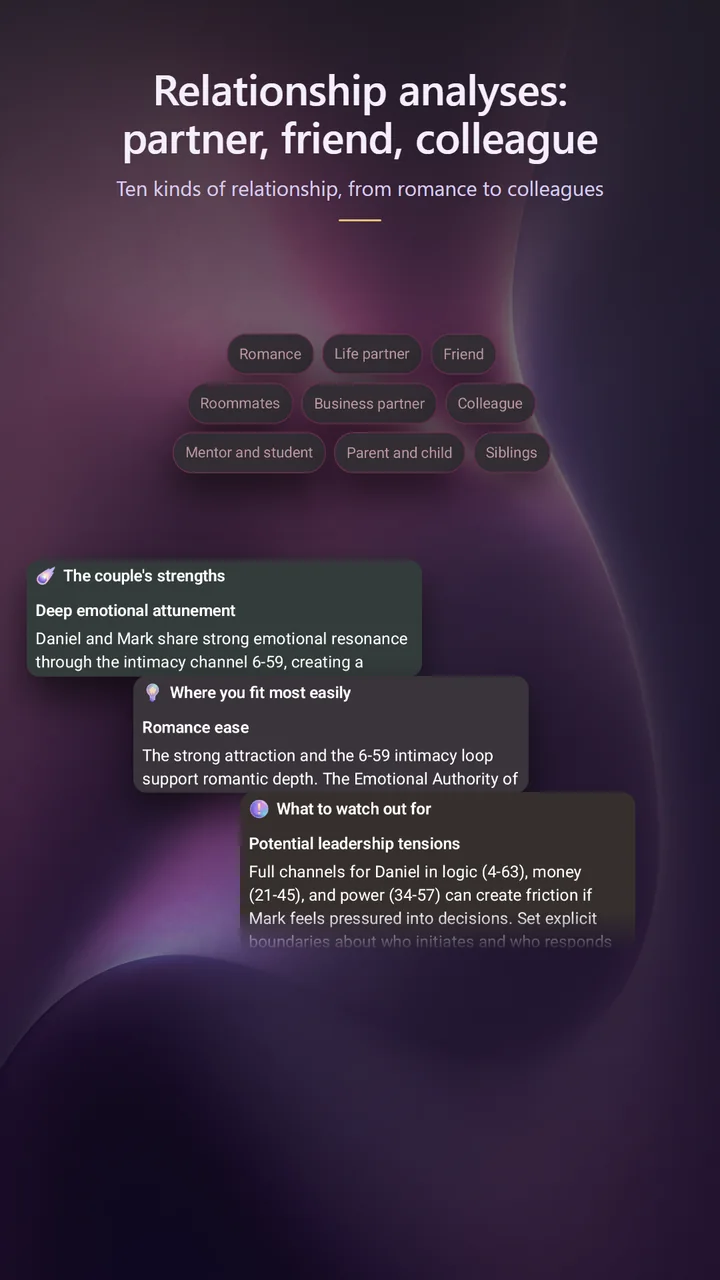
Put two charts side by side and see which channels connect, where you complete each other and where friction is structural rather than personal.
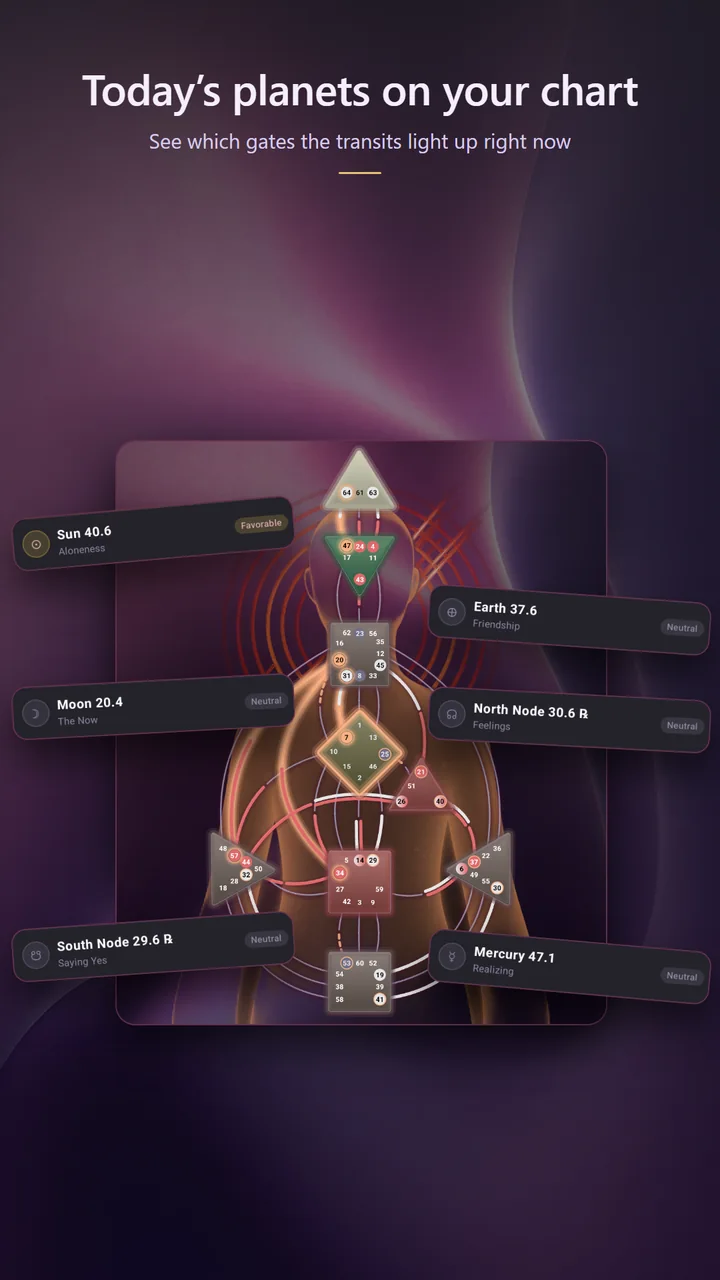
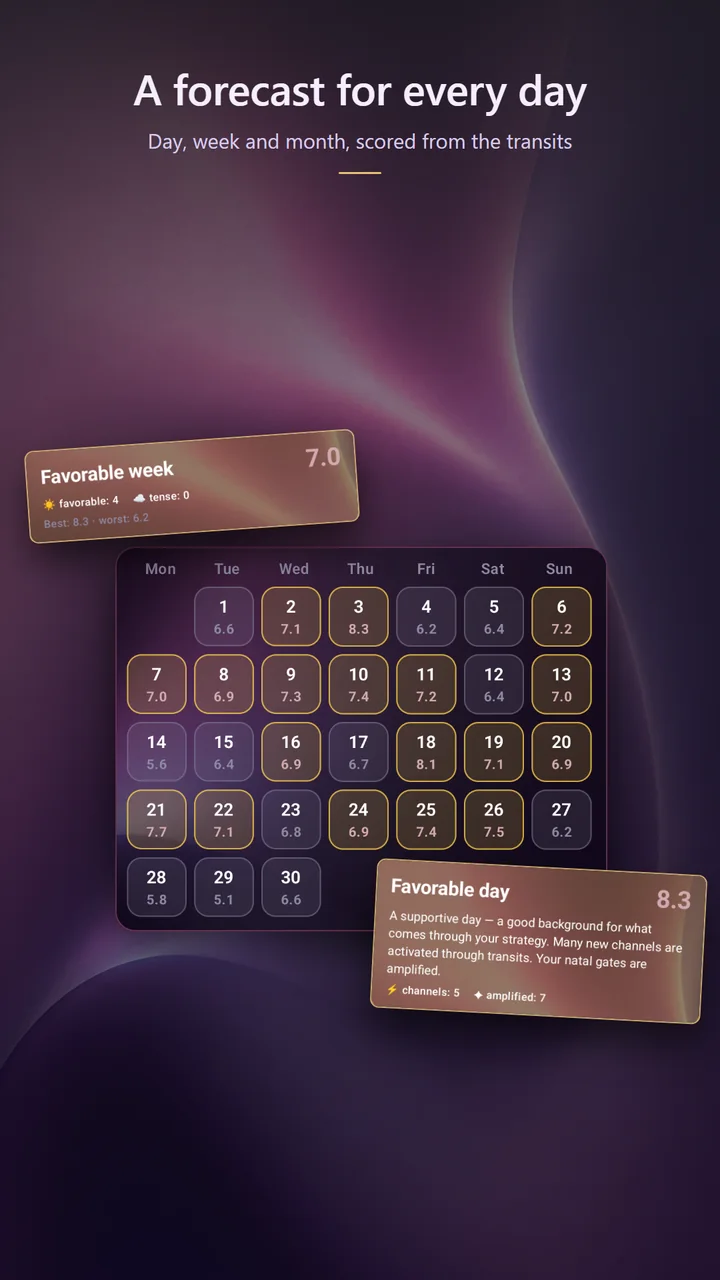
How the current planetary positions activate your gates, and which themes that brings forward for the day, the week or the month ahead.
The full interface and all generated content are available in every language the app supports — including the fine print on this site.
Human Design charts are only as good as the astronomy underneath them. Here is what happens between your birth details and the graph on your screen.
Date, exact time and place of birth. The place is converted into coordinates and the correct historical time zone offset, including daylight saving rules that applied on that date.
Positions are calculated from astronomical ephemerides for two moments: your birth, and the point roughly 88 solar degrees earlier that Human Design calls the Design calculation.
Each planetary longitude maps onto a gate and line of the I Ching wheel. Activated gates define your centres and channels, and from those follow your type, authority and profile.
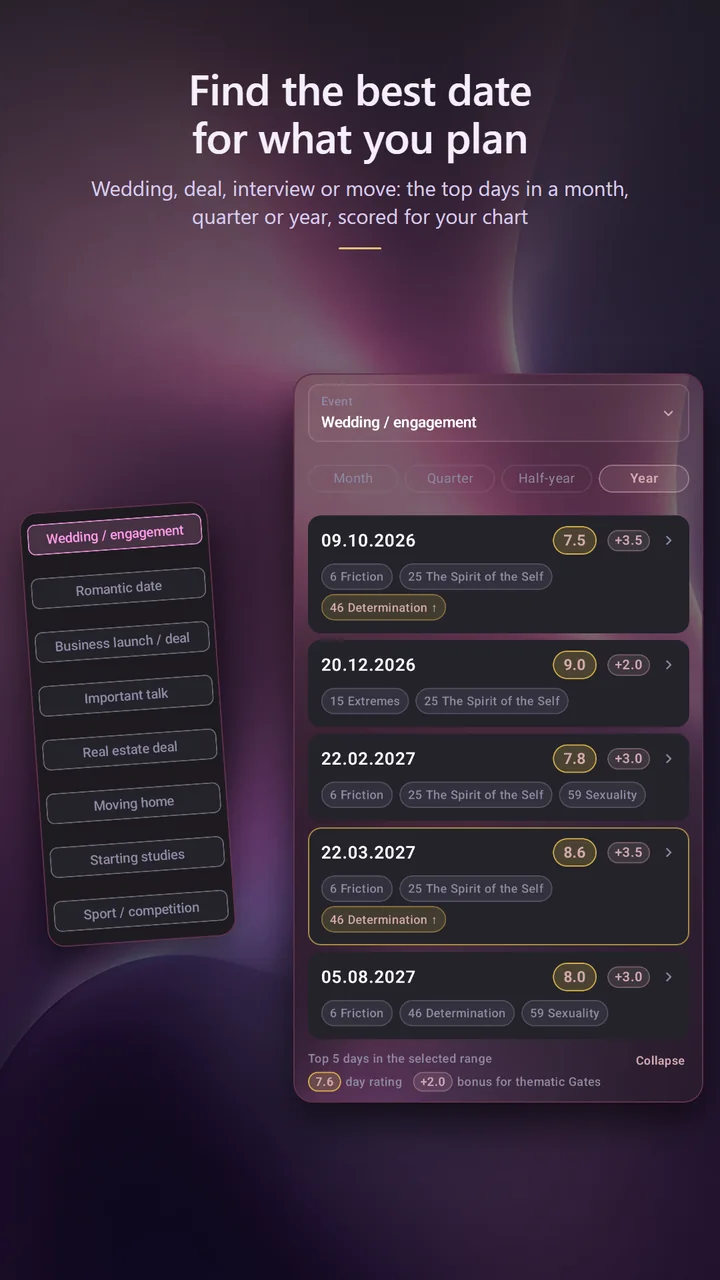
The best dates for your events, the daily forecast, unlimited profiles and compatibility, more analysis types and PDF export.
| What you get | Free | Premium | Extended |
|---|---|---|---|
| Saved charts | 10 profiles | Unlimited profiles | Unlimited profiles |
| Daily forecast | Not included | Included | Included |
| Event date finder | Not included | Included | Included |
| Weekly and monthly forecast | Included | Included | Included |
| Analyses | 3 analyses in total | 50 analyses per month | 200 analyses per month |
| Advanced analysis types | General analysis type only | General analysis type only | All analysis types: relationship formats and life spheres |
| Compatibility between charts | 3 trial compatibility calculations | Unlimited compatibility | Unlimited compatibility |
| Export chart to PDF | Not included | Included | Included |
Subscriptions are billed through the App Store or Google Play in your local currency, and the current price is always shown in the app before you confirm. They renew automatically until you cancel, and you cancel through your Apple or Google account rather than through us.
Because the fastest-moving factors change within minutes. A shift of a few minutes can move a line, and occasionally a gate — which then changes your profile or a channel. If you do not know your exact time, the chart is still built, but treat the time-sensitive parts as approximate.
Through the store you bought it from — Settings on your Apple device, or the Google Play app on Android. Deleting the app or your Lucezora account does not cancel a subscription; only the store can do that.
In the app, under Settings, or from this page without installing the app. Both routes delete your account and the data attached to it.
The reference content is prepared by our team. The personalised analyses are generated by AI from your chart, which means they can occasionally be inaccurate or repetitive. They are a prompt for reflection, not a statement of fact about you.
No. Lucezora is for adults and is intended for self-reflection and entertainment. Nothing in it is medical, psychological, financial or legal advice.
No. You can build and explore one chart without an account; it is stored only on your device. Sign up with an email address, Apple or Google to save more charts, sync them between devices, and use analyses and compatibility.